
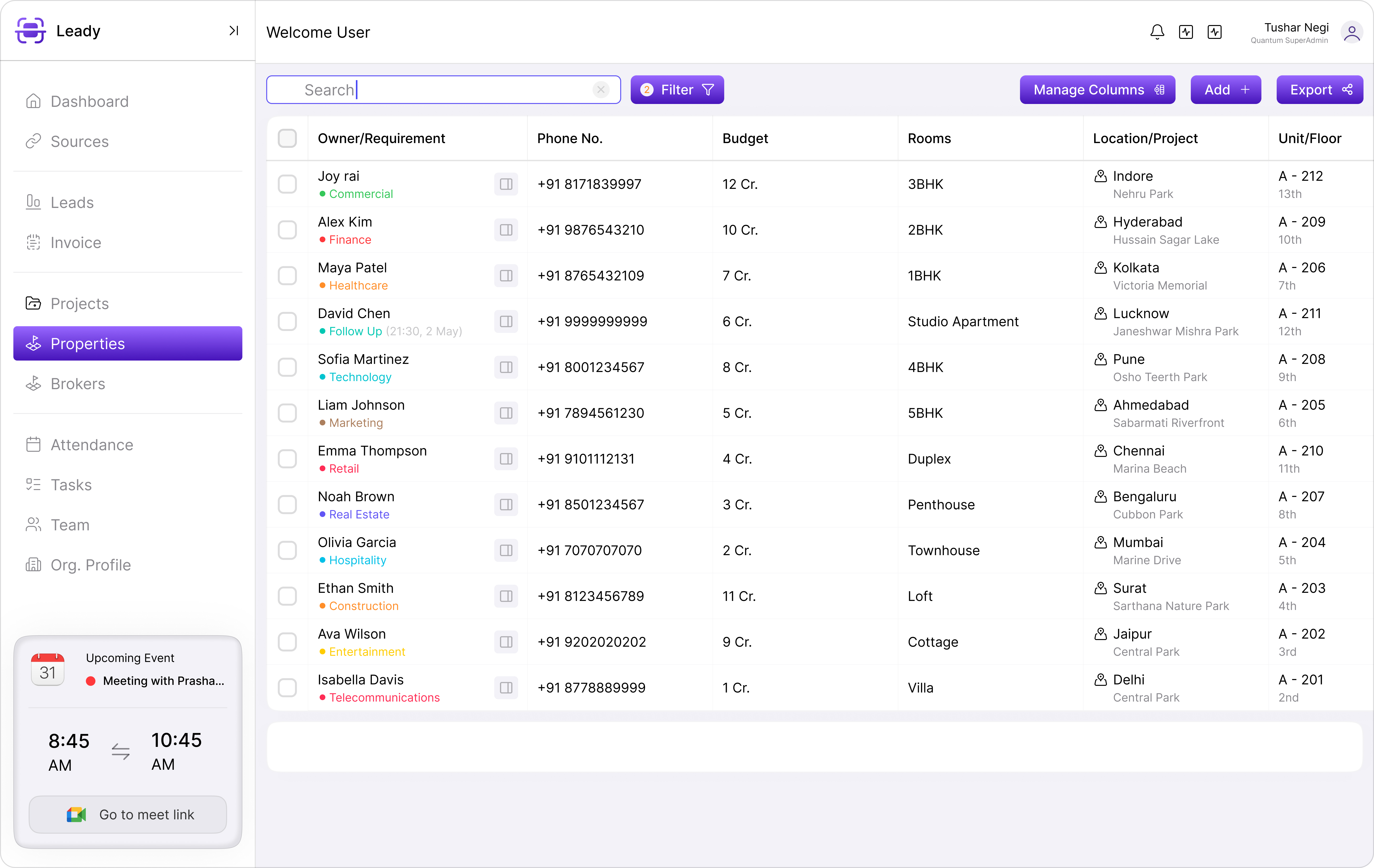
Launching Tower A, a plotted phase, and a commercial wing in parallel is a growth milestone — and an operational stress test. Without segmentation in your CRM, teams cross-assign leads, inventory conflicts multiply, and leadership loses visibility into which project needs intervention before quarter-end.
Project segmentation is the foundation
Each project should have its own inventory tree, pricing rules, sales team, broker mappings, and pipeline dashboards. Shared resources — like a central pre-sales head — need roll-up views across projects without blending data that should stay separate. Leady Nest's multi-project architecture lets you switch context in one click while leadership sees portfolio-wide KPIs.
Team and territory mapping
- Assign executives to specific projects or towers — avoid generic pools that create confusion
- Map channel partners to the projects they are authorised to sell
- Define escalation paths per project when SLAs are missed
- Set separate response templates reflecting each project's positioning and payment plans
Unified reporting without data chaos
Leadership needs both drill-down and roll-up. A project head in Hyderabad should see only their pipeline, while the CMD sees consolidated booking velocity, inventory absorption, and collection status across the portfolio. Configurable dashboards prevent the 'one giant spreadsheet' problem that plagues multi-project developers.
Cross-sell without cross-contamination
When a buyer enquiring on Project A is better suited for Project B, transfer the lead with full conversation history — do not restart from zero. Cross-sell rules should be explicit, logged, and credited correctly to the originating executive and project.
“We launched three projects in one quarter. CRM segmentation was the difference between controlled chaos and a sales floor meltdown.”
— COO, multi-city developer
Inventory isolation and shared holds
Unit holds, pricing tiers, and release workflows must be project-scoped. Shared amenities or club memberships can be linked across projects for reporting, but sellable inventory should never share a hold queue. Expiry timers and approval chains keep each project's stock moving independently.
Scaling the playbook to new launches
Clone workflows from your best-performing project when launching a new tower. Import broker networks, copy nurture sequences, and adjust pricing templates. A repeatable launch playbook — housed in CRM — cuts go-live time from weeks to days.
Key takeaways
- Each project needs isolated inventory, teams, broker mappings, and pipelines with portfolio roll-up for leadership.
- Avoid generic lead pools — assign executives and partners to specific projects or towers.
- Cross-sell transfers should preserve conversation history and credit the originating team.
- Configurable dashboards let project heads drill down while leadership sees consolidated KPIs.
- Clone proven workflows when launching new projects to accelerate go-live.